在这篇教程里,我们将通过用Realflow 2014结合Maya制作一个往酒杯里倒酒的效果,来了解Realflow 2014的一些基本概念和工作流程。
In this RealFlow tutorial, we’ll be taking an introductory look at many of the key features found in RealFlow 2014 with the goal of getting a good understanding of some of the most fundamental concepts and workflows in RealFlow 2014.
We’ll start by learning how we can set up our RealFlow projects and learning about the new interface in RealFlow 2014. From there, we’ll jump into some mini-projects that we’ll use as a chance to learn not only how to create a variety of particle types, but even how we’ll be able to bring objects and animations in and out of other 3D applications to use in RealFlow.
One of the most commonly-used features in RealFlow is Hybrido, and we’ll have a chance to look at Hybrido throughout multiple lessons in this course, including the new ability to set up viscosity in RealFlow 2014.
By the end of this RealFlow training you’ll have a solid understanding of the concepts and workflows in RealFlow 2014.
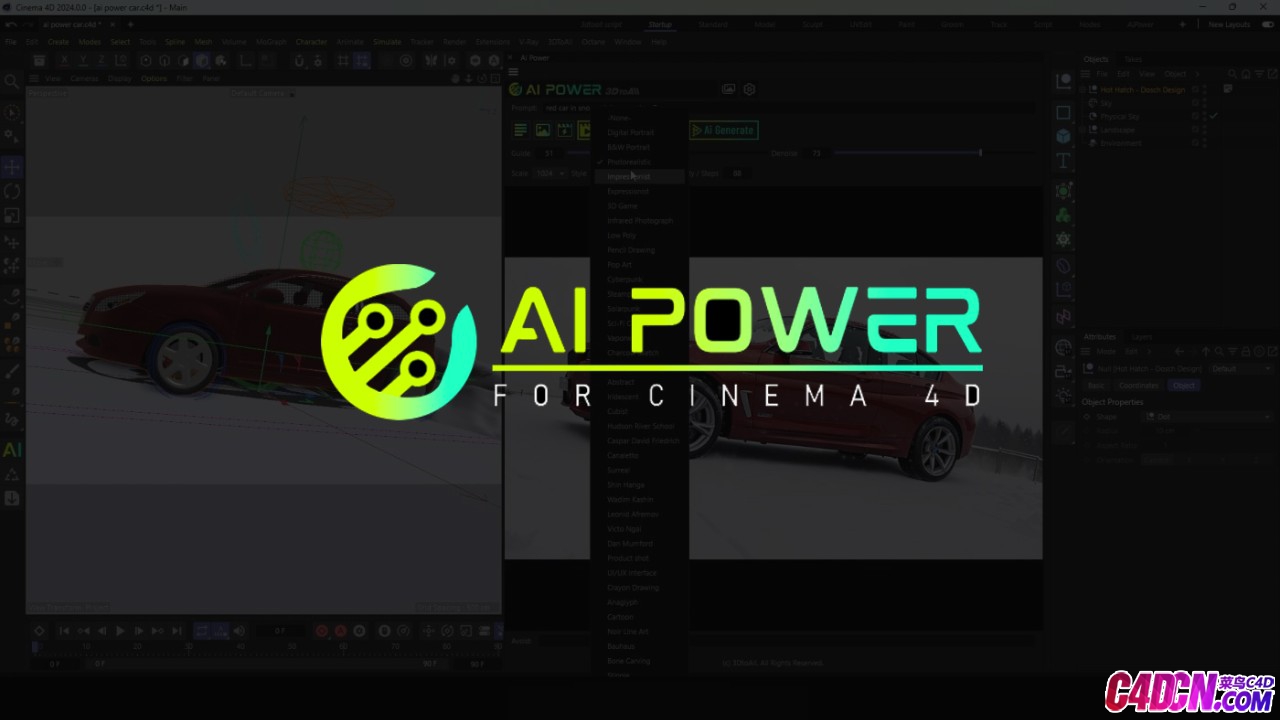
AI Power是一款创新的Cinema 4D插件,由知名的3D技术公司3D TOALL开发。这款插件能够与C4D无缝对接,用户只需构建基础模型并提供关键词,即可迅速生成高水准的渲染图像。与传统的C4D工作流程(包括建模、布光、材质和渲染)相比,AI Power极大地简化了这一过程,显著提高了图像生成的效率。


 发布时间:2015-3-8 12:31 @11年菜鸟C4D自学网站,专业 | 专注 | 全面






 /6