


- 装配角色的最快,最简单的方法
- 几秒钟内就可以操纵四肢弯曲的角色
- 删除所有复杂的索具概念
- 绑定和设置所有类型和样式的角色的动画
- 使用CMotion快速创建步行周期动画
C4D二维角色动画绑定组件预设 Bendy Limbs Rig for Cinema 4D
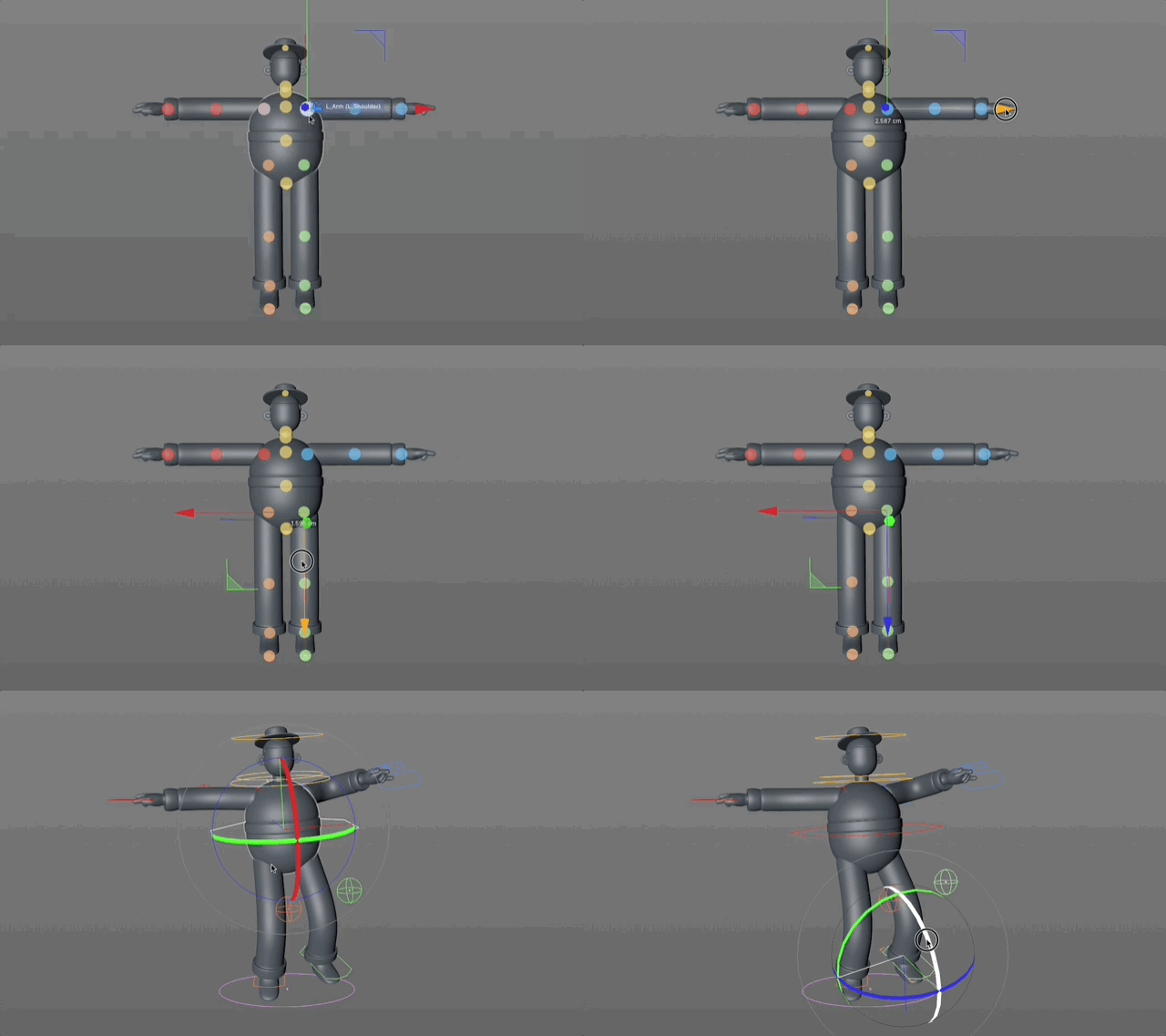
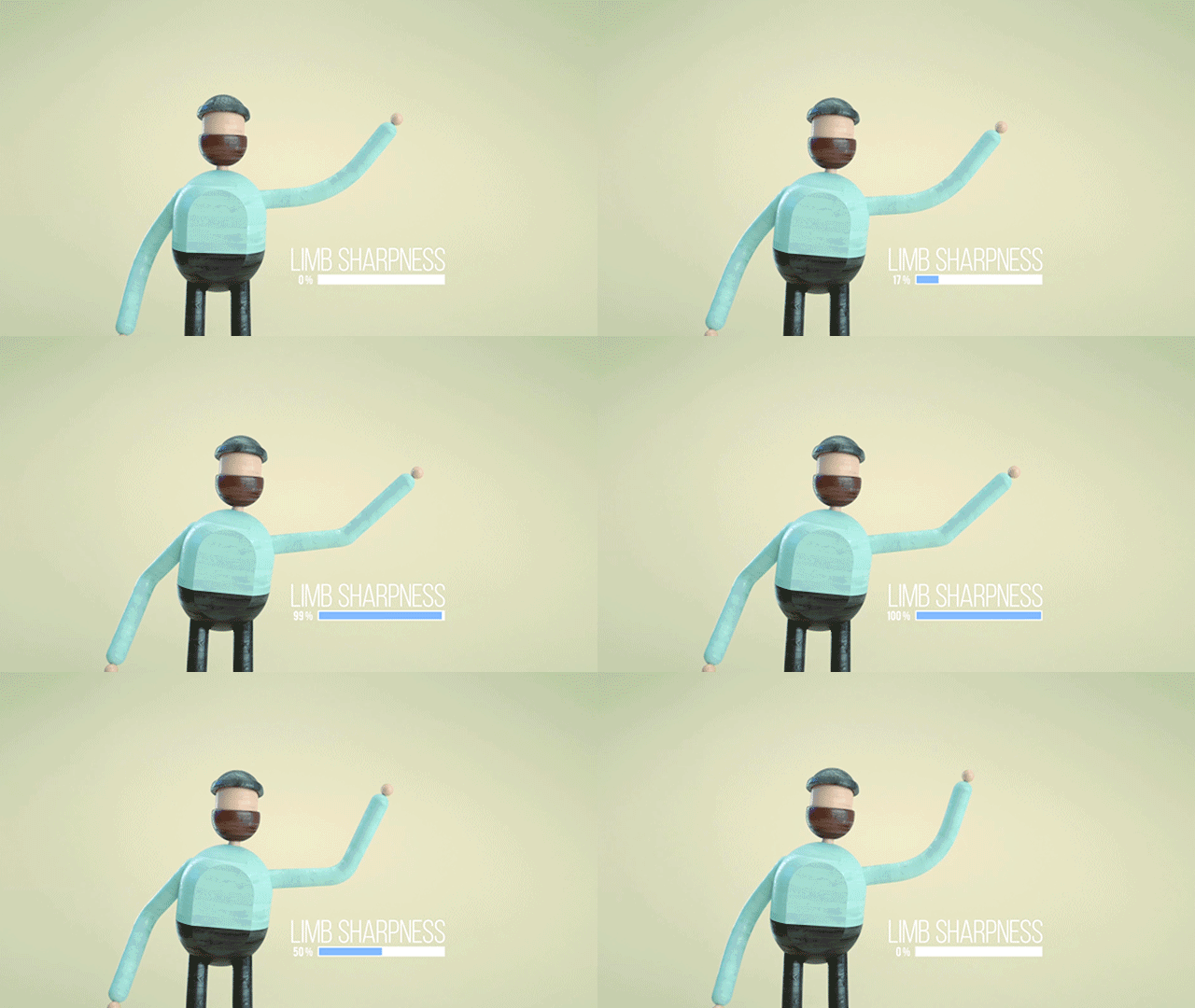
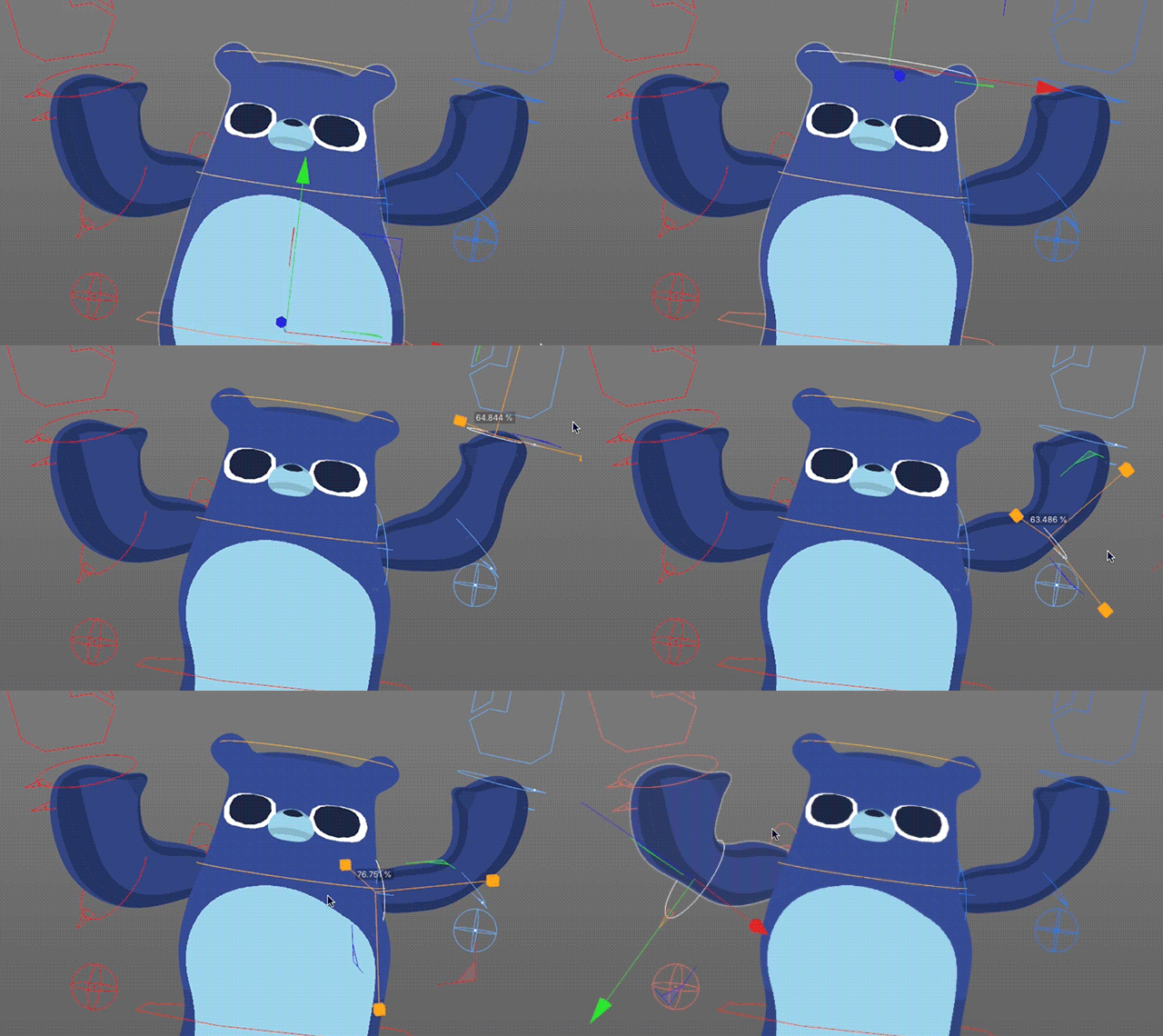
What is Bendy Limbs Rig for Cinema 4D?Bendy Limbs Rig for Cinema 4D is the quickest and easiest way to rig and animate all types of cartoony bendy arm/rubber hose style characters! This is rigging for non-riggers, meaning you don’t have to worry about all those intimidating and complex rigging concepts! Get all them bendy arm/leg characters with separated limbs rigged in seconds by simply placing markers on your object to define where your characters body parts are, then add them to their corresponding body groups (head/torso/legs/feet/arms/hands) and voila, you are off and running animating your fully rigged 3D character! This is a non-joint rig, so no laborious weight painting (sorry Bob Ross, there is no joy in weight painting). Bendy Limbs Rig has already helped many folks who have never rigged nor animated a character in their life and given them the ability to easily rig their rubber hose style characters! Rig all different types and styles of characters! Intuitive, simple, flexible, and FAST! Start rigging your characters in Cinema 4D today with Bendy Limbs Rig!
什么是Cinema 4D的Bendy Limbs钻机?
Cinema 4D的Bendy Limbs钻机是装配和动画化各种类型卡通弯曲臂/橡胶软管样式角色的最快,最简单的方法!这是非装备者的装备,这意味着您不必担心所有那些令人生畏和复杂的装备概念!只需在对象上放置标记以定义角色的身体部位,然后将它们添加到其对应的身体组(头部/躯干/腿/脚/手臂/手),即可在几秒钟内将所有肢体弯曲的肢体弯曲到几秒钟的手指中),瞧,您已经准备好为完全装配的3D角色制作动画了!这是非联合装备,因此无需费力的重量绘画(对不起,鲍勃·罗斯,重量绘画没有乐趣)。 Bendy Limbs Rig已经帮助了许多从未在角色中安装过角色或动画过的人,并使他们能够轻松安装橡胶软管风格的角色!装备所有不同类型和样式的角色!直观,简单,灵活和快速!立即开始使用Bendy Limbs Rig在Cinema 4D中装配角色!
How Does It Work?Bendy Limbs Rig utilizes the powerful C4D Character Object, meaning it works with CMotion to easily apply a walk cycle in a few clicks! Simply define your limb positions, press a single button to create your rig, drag & drop your separate limbs (head/torso/arms/hands/legs/feet) in their respective controllers, and voila you’re ready to animate your character! This is the benefit of building a character with separated limbs and rigging with Bendy Limbs Rig vs. the traditional workflow of having a character made up of one mesh that relies on the laborious weighting and joint rigging workflow.
如何安装使用? 1.解压缩并将“bendylimbsrig”文件夹放在cinema 4d安装文件夹中library/characters下 2.重启C4D 3.打开C4D到“角色>角色”以创建角色对象 4.转到角色对象的“对象选项卡”,在“建立”选项卡[模板]从下拉菜单中选择“BendyLimbsRig”模板即可

| 


 发布时间:2019-9-28 00:04 @11年菜鸟C4D自学网站,专业 | 专注 | 全面


 @11年菜鸟C4D自学网站,专业 | 专注 | 全面
 我是一楼



 [ 复制链接 ]






 /6






