In this series of tutorials, we will talk about some of the different ways you can create and utilize shapes in After Effects. We will start by going over the basics of using the shape tools to make shape layers and the difference between parametric and Bezier paths. We'll explore the control we have over polygons and stars that can create an endless possibility of intricate shapes. We'll talk about using the add menu to create new shapes or add shape attributes to our shape layers. Next we'll import vector artwork from Illustrator and convert to shapes so that we can utilize the repeater. We'll tell a story with shape morphing and learn the importance of defining the first vertex. We'll also get an understanding of the importance of stacking order within our shape layer. Finally, we'll combine shape attributes to create a particle like effect that is mainly being driven by changing the properties of a stroke.
01. Introduction and project overview
02. Shape layer fundamentals
03. Telling a story with shapes
04. Creating a car and capitol with shape tools
05. Finishing the assets for our story
06. Animating our story
07. Continuing our story animation
08. Animating the capitol asset into the fork
09. Continuing our story with the fork and phone
10. Converting vector layers to shape layers
11. Creating a particle effect with shapes
12. Adding details to our particle effect
13. Creating an environment for our comet
在本系列教程中,我们将讨论一些不同的方式,你可以创建和使用的形状在After Effects。我们将通过去在使用形状工具来使形状层和参数和贝塞尔路径之间的差异的基础开始。我们将探讨我们有超过多边形和星形,它可以创建复杂的形状的无尽可能性的控制。我们再谈谈使用添加菜单来创建新的形状或添加形状属性,我们的形状图层。下一步,我们将在Illustrator中导入矢量图形,并转换为形状,使我们可以利用中继器。我们会告诉与形状变形故事,学习定义的第一个顶点的重要性。我们也得到了我们的形状图层内堆叠顺序的重要性的认识。最后,我们将结合形状属性来创建这样的效果的粒子的主要推动着改变行程的属性。
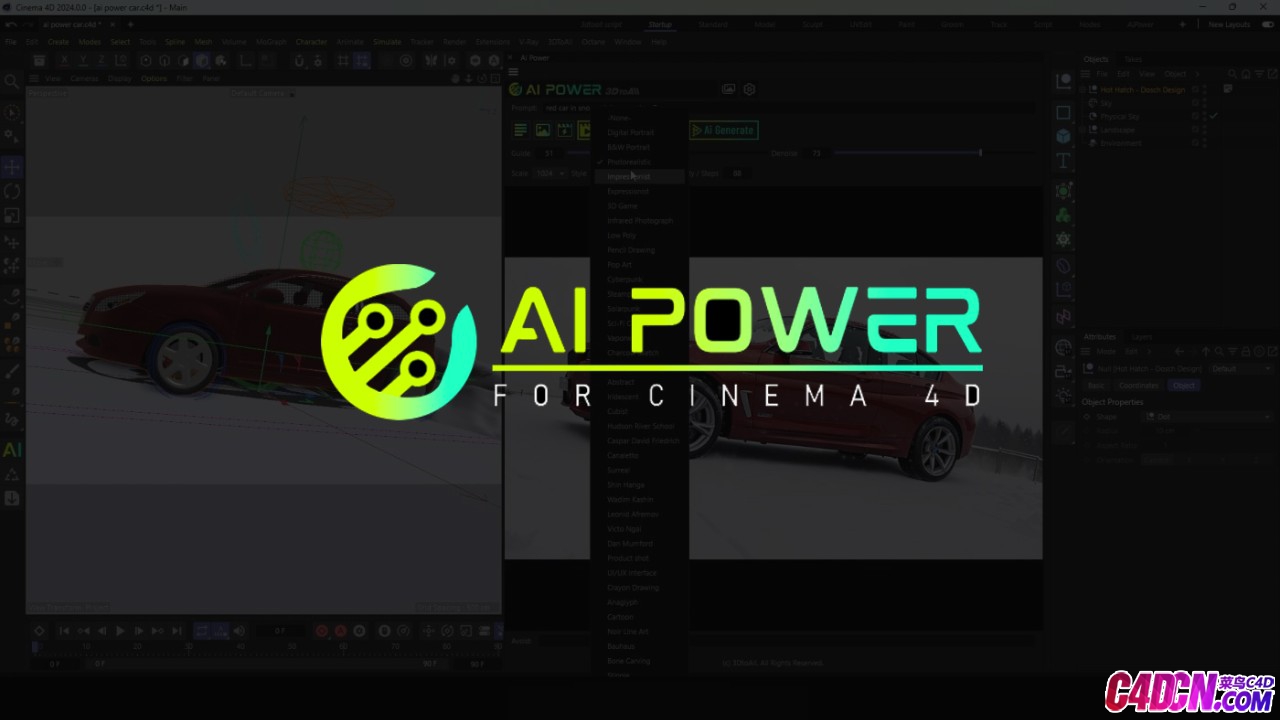
AI Power是一款创新的Cinema 4D插件,由知名的3D技术公司3D TOALL开发。这款插件能够与C4D无缝对接,用户只需构建基础模型并提供关键词,即可迅速生成高水准的渲染图像。与传统的C4D工作流程(包括建模、布光、材质和渲染)相比,AI Power极大地简化了这一过程,显著提高了图像生成的效率。


 发布时间:2014-8-12 16:19 @11年菜鸟C4D自学网站,专业 | 专注 | 全面


 @11年菜鸟C4D自学网站,专业 | 专注 | 全面


 谢谢白总分享 哈哈哈哈






 /6