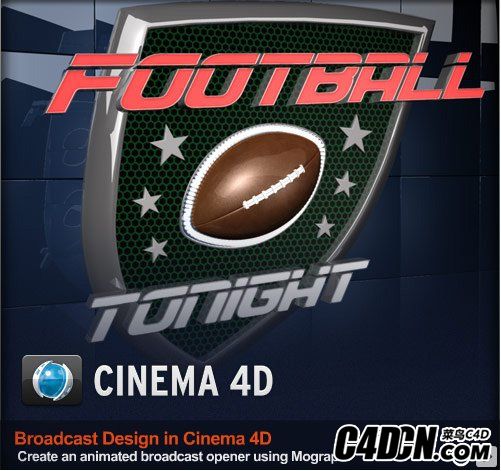
In this series of lessons we will create an animated broadcast opener using Mograph in Cinema 4D.
From the spline-based modeling tools to the powerful Mograph tools, Cinema 4D has a great deal to offer when creating animated broadcast graphics. Using the opener of a sports program as our example, we'll go through the process of creating all of our broadcast elements, including the custom logo. We'll use extrude NURBS objects with splines, sweep NURBS objects, and work with polygonal geometry as well. We'll also cover methods of creating and adding materials to all of our pieces, as well as setting up some ** lighting and light planes for reflection. We'll cover the animation of our camera and many of the other elements of the piece. We'll look at a number of ways to transition elements onto the screen, from using effectors to animated sweeps. Finally, we'll key frame specific material attributes and modify our render settings before outputting our final animated sequence. When you're done, you'll have the tools you need to start building your own broadcast logos and designs.
语言:英文
出品机构igital-Tutors
讲解时间:2小时38分
文件大小:1.25G
所属模块:电视包装
目录:
章节安排:
1。介绍和项目概况
2。创建和进口样条
3。建模的三维足球
4。建设足球花边
5。创建的背景和框架的标志
6。添加几何文本和星星
7。使用克隆对象添加背景块
8。设置照明和材料
9。添加材料的文字和足球
10。阻断动画
11。使用纯文本的动画效应
12。动画的足球花边
13。动画块周围的足球流
14。创建沿条纹图案帧动画
15。添加发光材料的条纹
16。动画的框架材料属性
17。对动画文本和恒星光芒
18。设置了最后的渲染和输出序列
1. Introduction and Project Overview
2. Creating and importing splines
3. Modeling the 3d football
4. Building the football laces
5. Creating the background and frame of the logo
6. Adding geometry to the text and stars
7. Using a cloner object to add background blocks
8. Setting up lighting and materials
9. Adding materials to the text and football
10. Blocking in the animation
11. Using a plain effector to animate the text
12. Animating the football laces
13. Animating blocks flowing around the football
14. Creating animated streaks along the logo frame
15. Adding a glowing material to the streaks
16. Animating material attributes on the frame
17. Animating the glow on the text and stars
18. Setting up the render and outputting the final sequence
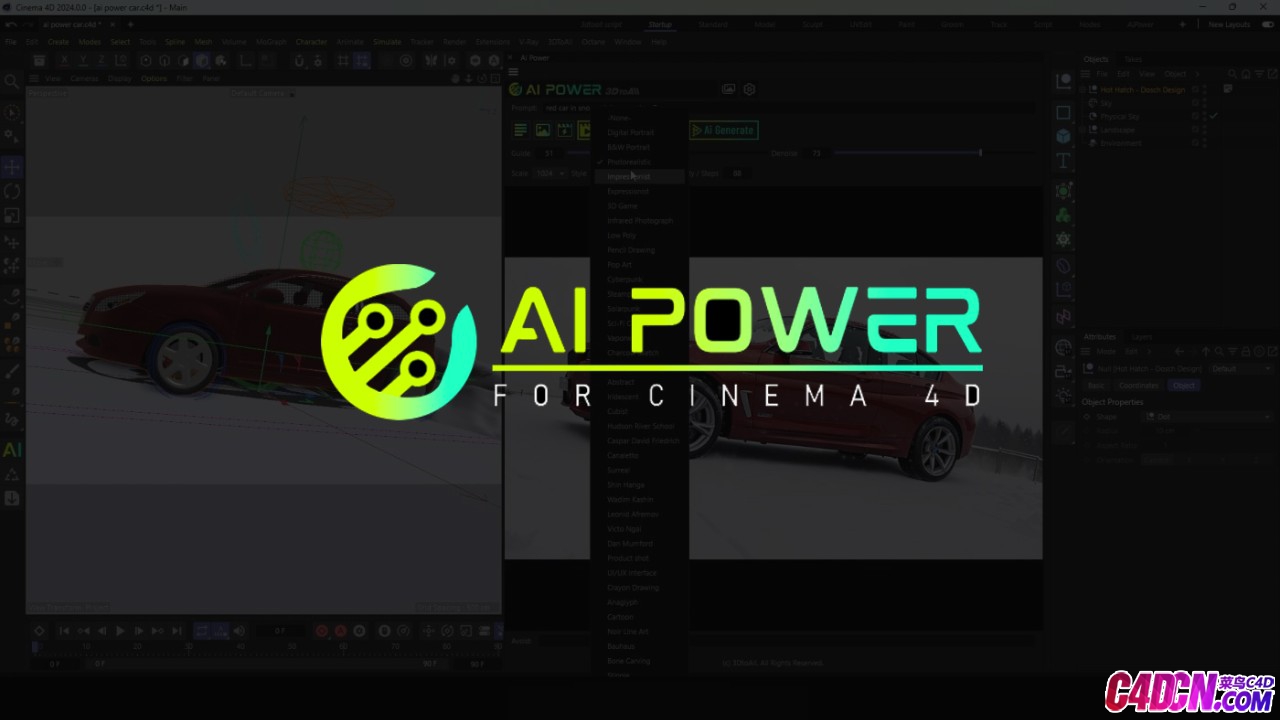
AI Power是一款创新的Cinema 4D插件,由知名的3D技术公司3D TOALL开发。这款插件能够与C4D无缝对接,用户只需构建基础模型并提供关键词,即可迅速生成高水准的渲染图像。与传统的C4D工作流程(包括建模、布光、材质和渲染)相比,AI Power极大地简化了这一过程,显著提高了图像生成的效率。


 发布时间:2017-5-10 11:30 @11年菜鸟C4D自学网站,专业 | 专注 | 全面




 [ 复制链接 ]


 /6